From writing a query to committing an edit and shipping an export — the whole loop lives in one native app.
Relational, document and key-value engines live side by side. Group connections into folders, see live connection status, and jump between schemas without losing your place.
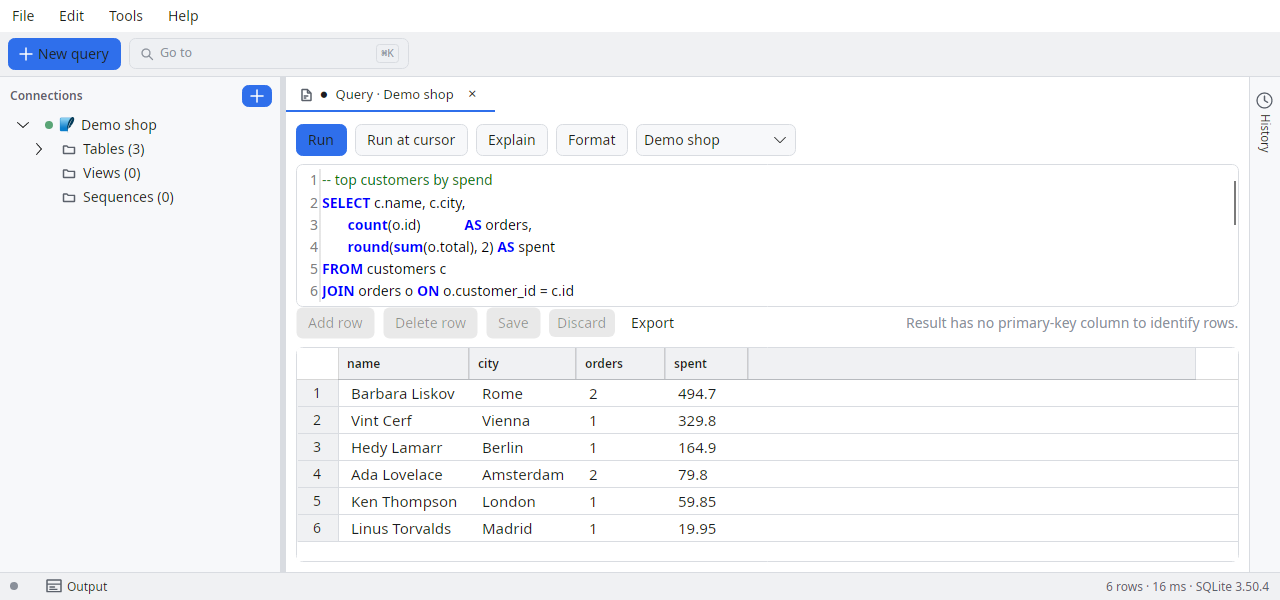
A real editor with syntax highlighting and multiple tabs. Open and save .sql files with a dirty-marker, a recent-files menu and drag & drop.
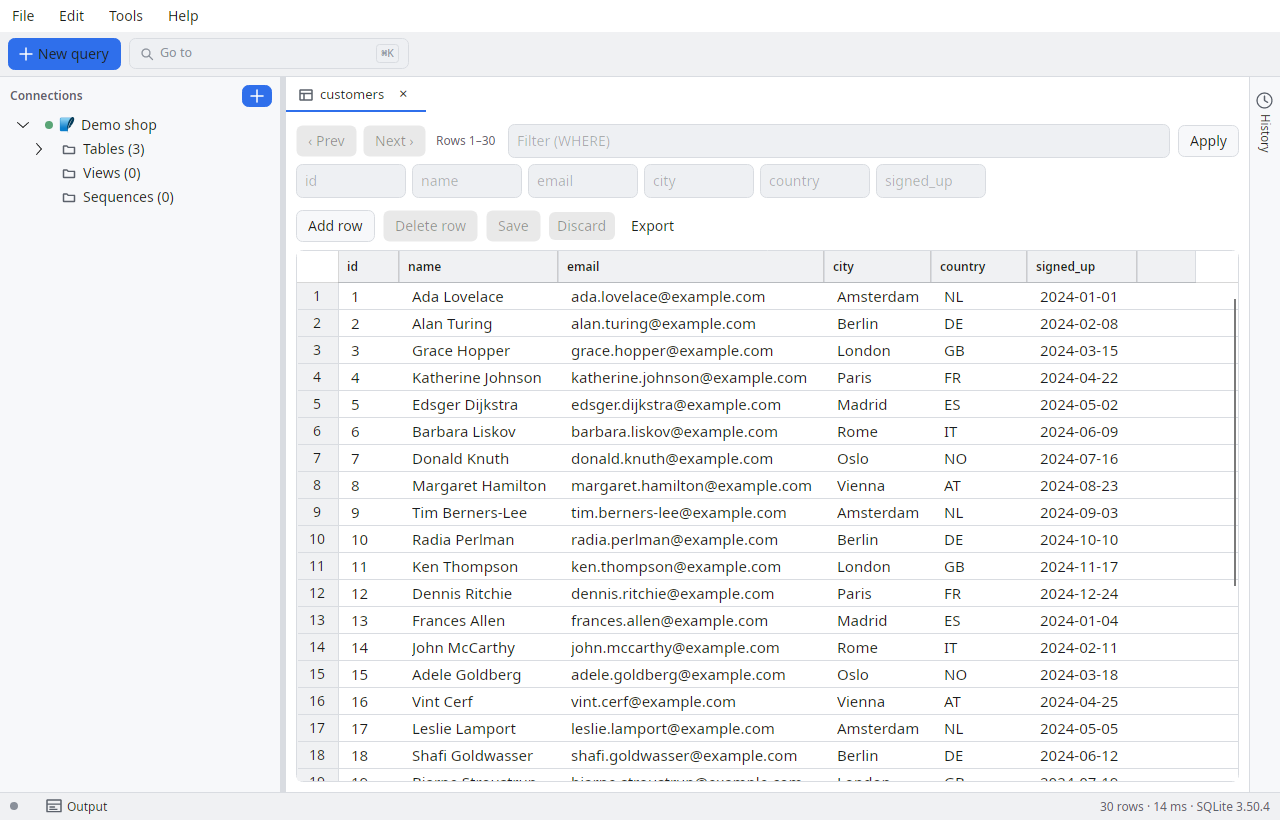
Treat the result grid like a spreadsheet. Change a value, add a row, and commit all pending edits in one action — SQL Explorer writes the statements for you.
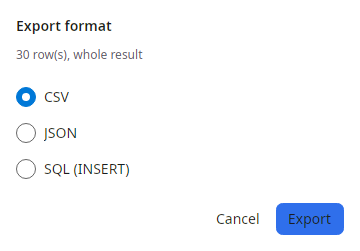
Import from CSV, export to CSV, JSON or SQL INSERT, and for SQL Server export a full BACPAC/DACPAC — powered by the tool plugins, in-process and without external tooling.
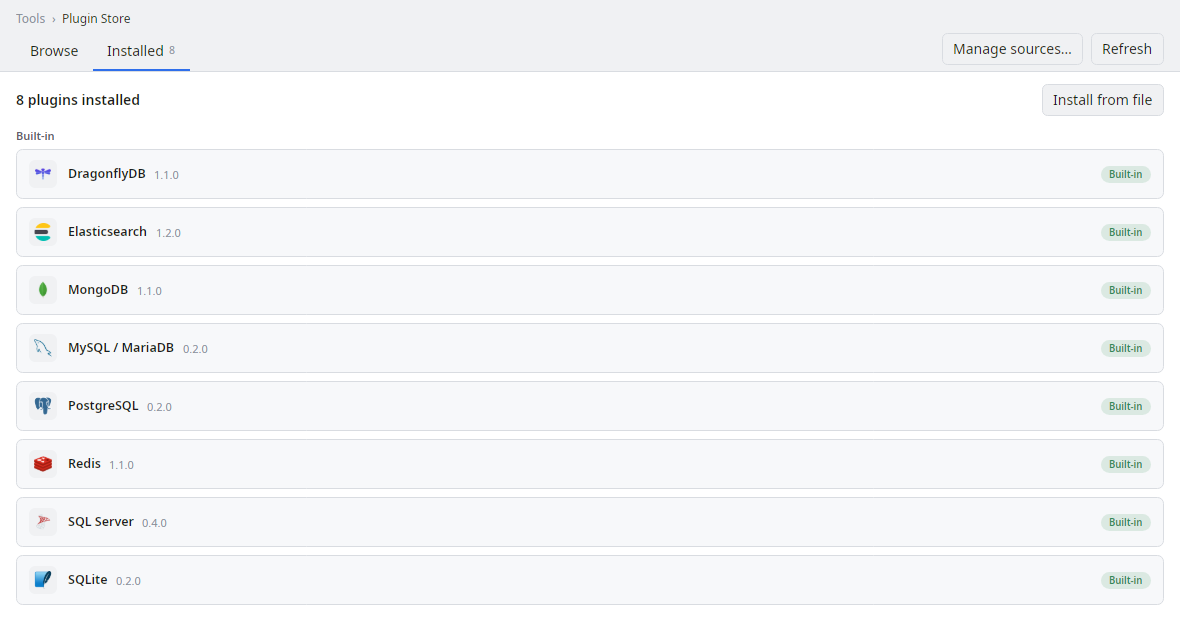
Add engines and tools through runtime plugins. Turn on the optional MCP server and AI assistants can query your data with guardrails you set.
// off by default — you opt in
"McpEnabled":     true,
"McpPort":        5488,   // loopback only (127.0.0.1)
"McpRequireAuth": true,   // bearer token required
"McpMaxRows":     200,    // hard server-side row cap
"QueryLogMcp":    true    // audit every AI query

// Access is per connection, fail-closed:
//   AiAccess = None (default) | ReadOnly | ReadWrite
//   DDL is always rejected · result secrets redacted
Every action has a stable id and a default gesture you can change.
Download SQL Explorer and connect your first database in under a minute.
 SQL Explorer